
A company intranet that sits in every employee's pocket
Ming brings the core of an intranet, company news, documents, the employee directory and links to company apps, to a mobile app and the web, and adds chat, surveys and HR requests such as leave and payslips. Employees without a company e-mail sign in with their phone or employee number.
- iOS, Android, Huawei and web
- Sign in with phone, e-mail or employee number
- GDPR compliant, ISO 27001









Where does a classic intranet fall short?
In most companies the intranet is built for people at a desk. News, documents and forms live there, but people on the shop floor, in stores or in the field rarely open it.
Tied to a desk
Intranets usually open on a computer, often only on the company network. Staff who work on their feet can't reach them.
A company e-mail is required
Sign-in usually needs a company account. Employees without one are left out from the start.
No one knows who read it
News is posted to a page and people are expected to come and look. Whether it reached anyone stays unknown.
One-way and quickly outdated
Without a way to ask questions or give feedback, visits drop and the content goes stale.
Classic intranet vs. Ming
The jobs you expect from an intranet stay the same; what changes is who it reaches and how.
- Access
- Classic intranet: Computer, often on the company network
- Ming: Mobile app (iOS, Android, Huawei) and web
- Sign-in
- Classic intranet: Company e-mail account
- Ming: Phone, e-mail or employee number; your choice
- Company news
- Classic intranet: Sits on a page until someone looks
- Ming: Pushed to the right audience, with view reports in the panel
- Employee voice
- Classic intranet: Usually one-way
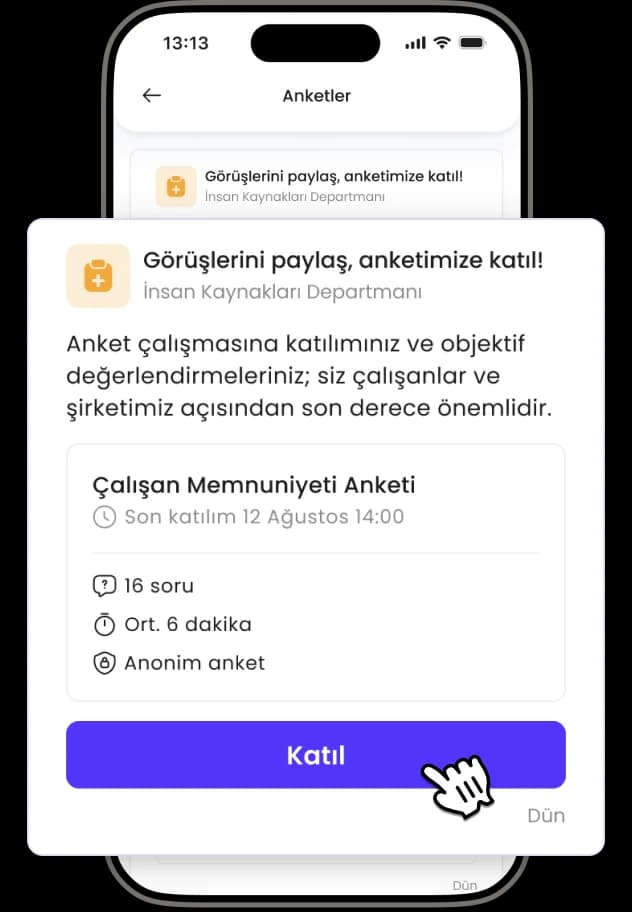
- Ming: Likes, comments, surveys and company chat
- HR requests
- Classic intranet: A link to another system or a paper form
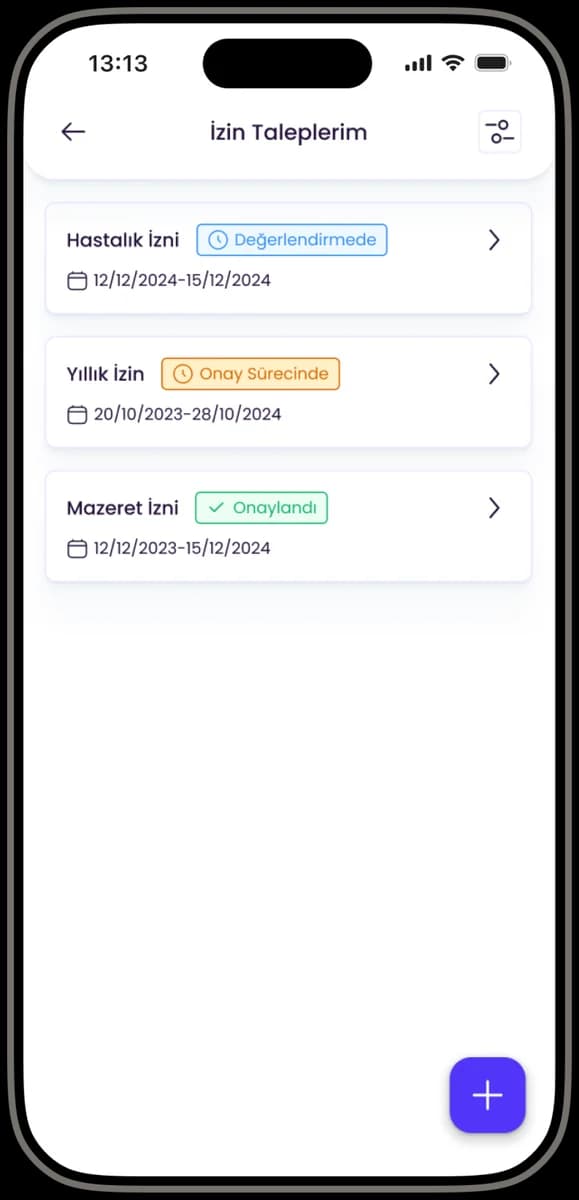
- Ming: Leave, advances, expenses and payslips in the same app
- Getting started
- Classic intranet: Often a separate web project
- Ming: Within a week if no integration is needed
What's in the Ming intranet?
The four jobs you expect from an intranet, in one app. You choose the modules you need.
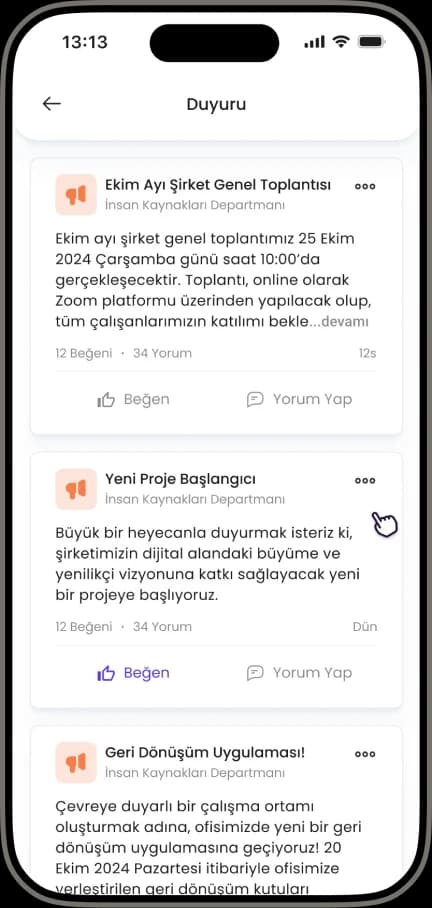
News and announcements, with who saw them
Prepare announcements in the panel and send them to the whole company or selected groups by push, e-mail and the in-app feed.
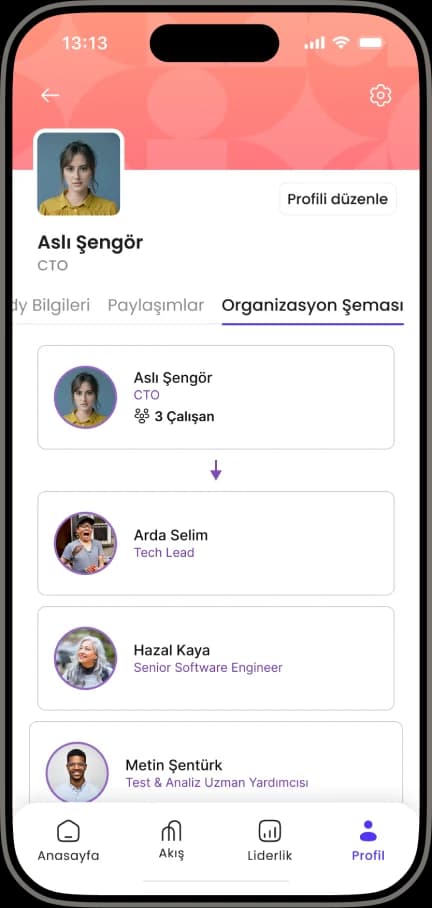
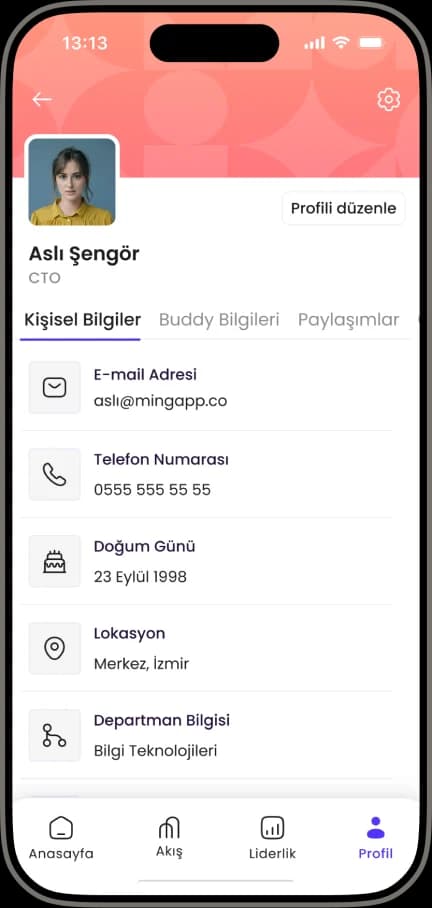
Who's who, on one screen
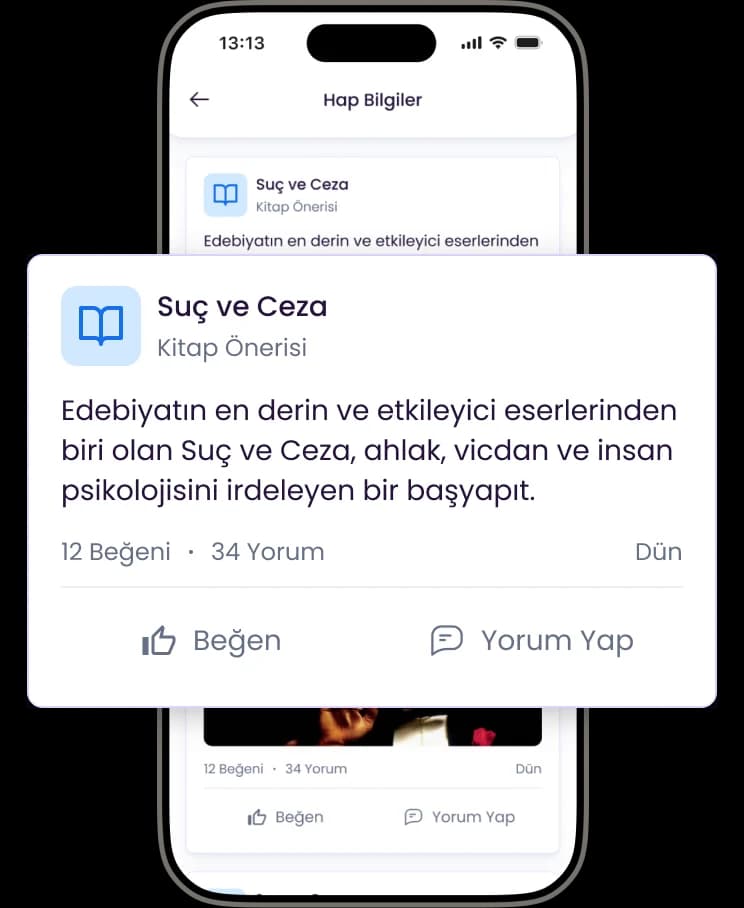
A digital profile for every employee, with contact details, their place in the organisation and their posts. New joiners are introduced to the whole company from day one.
Documents and company apps in one place
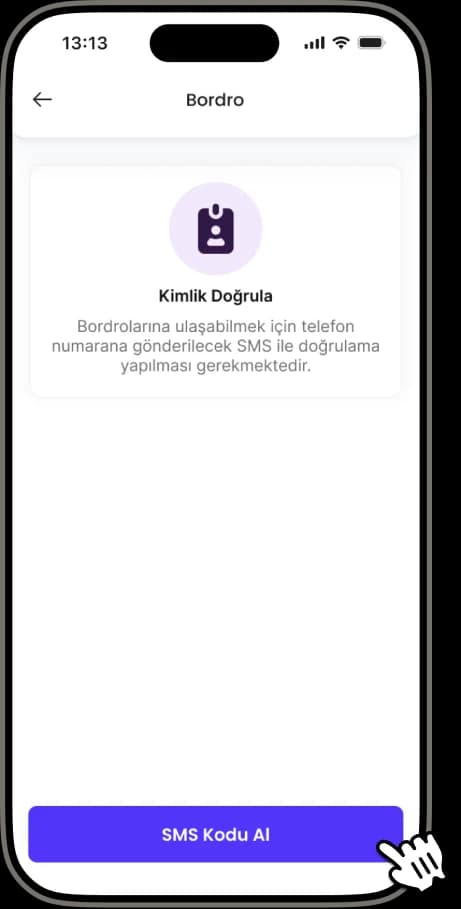
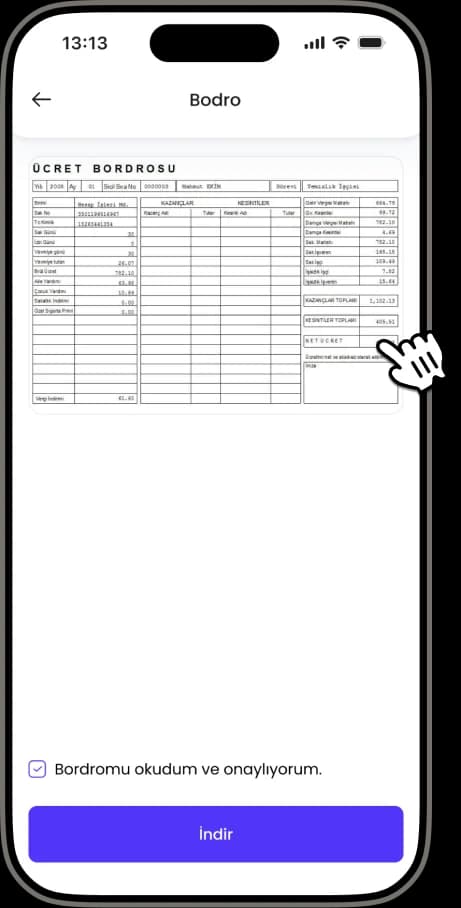
Documents flow from the company to employees and back, by role. Links to systems such as ERP and CRM open with one tap.
An intranet people use, not just read
Employees don't just read; they chat, answer surveys and send leave requests from the same app, so there is a reason to open it every day.
How do you move to Ming?
You don't need to switch off your current intranet or HR system overnight.
- 1
Choose the modules
Start with announcements and the directory; add other modules as you go.
- 2
Bring in your people
Employee data flows from your system via integration or is uploaded once with Excel.
- 3
Pick the sign-in method
Phone, e-mail or employee number. No need to give everyone a company e-mail.
- 4
Go live
Without integration you can start within a week. Links to your current systems stay in Quick Access.
Who is it for?
Intranet FAQ
Is Ming an intranet?
Ming covers what an intranet does, company news, documents, the employee directory and links to company apps, in a mobile app and on the web, and adds chat, surveys and HR requests such as leave, advances and payslips. Unlike a classic intranet, field staff without a company e-mail can use it on their phone.
Do we need to shut down our current intranet?
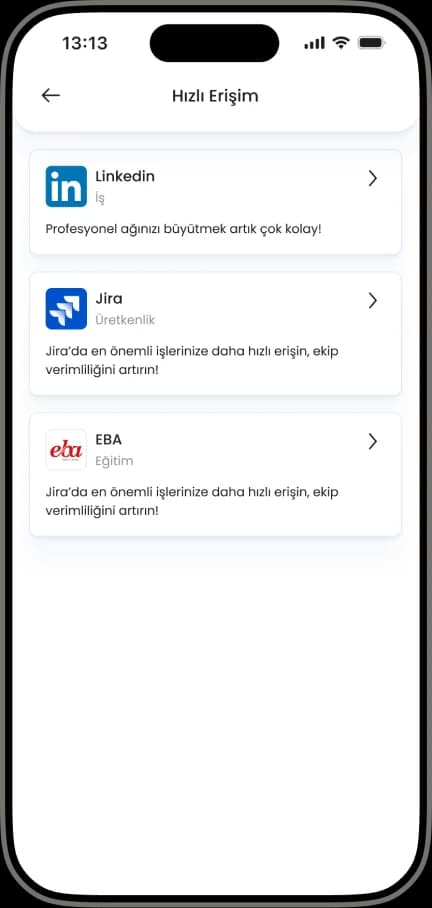
No. You can add links to your current intranet and other company systems in Quick Access, so employees open them with one tap on mobile or web. Ming is modular, so you can move step by step.
Do employees only see content meant for them?
Yes. Permissions are set by role in the admin panel and content is shared by audience; documents also open by role.
How do employees without an email address log in?
Your company chooses the login method: phone number, email or employee ID. Employee ID or phone number is typically used for employees without a corporate email. This means you do not need to create a corporate email account for every employee.
Which devices can access Ming?
Computers through a web browser, phones and tablets through the mobile app. The mobile app is available on iOS, Android and Huawei AppGallery.
How long does it take to go live?
If no integration is needed, you can start within a week. If an integration will be set up, the date is agreed together after the technical teams meet and the scope is clear.
Which systems does Ming integrate with?
Many HR and ERP systems, including SAP, SuccessFactors, Oracle, Workday, Logo, Mikro, Netsis and EBA. We have a ready-made integration for SuccessFactors.
Where is our data stored?
Three options: a global cloud data center, a local data center in Türkiye, or installation on your own servers. Organizations that must keep data in the country choose the local data center or on-premise.
Which tools can I retire after moving to Ming?
WhatsApp groups and bulk email lists used for internal updates, separate survey tools, leave and advance forms on paper or Excel, and separate suggestion and near-miss forms move into Ming. You do not need to give up your existing HR or ERP system.
Put your intranet in everyone's pocket
Let's plan which modules to start with and show you Ming with examples from your own company.
Request a Demo